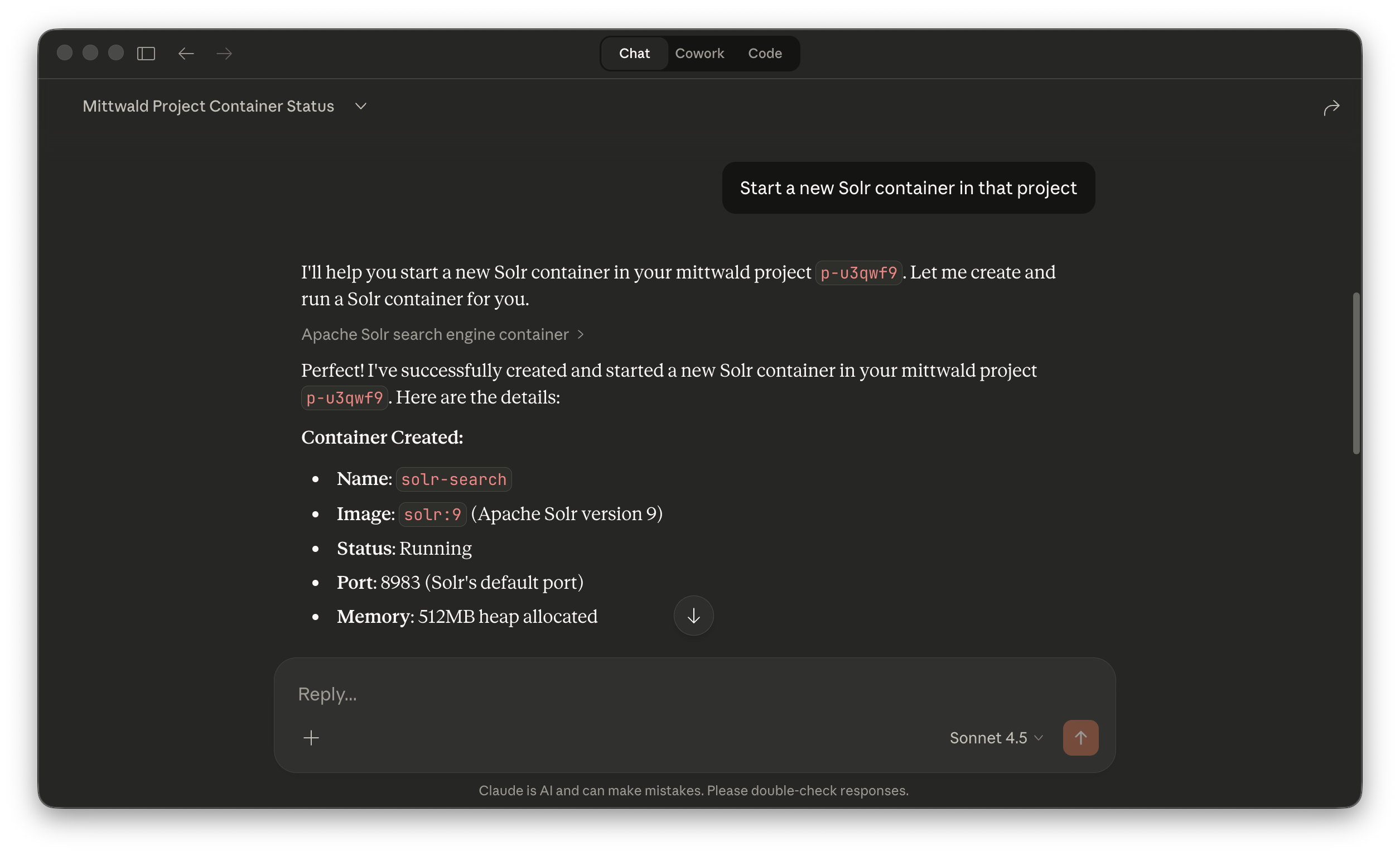
Just want to get started quickly? Use this MCP URL in the AI assistant of your choice:
https://mcp.mittwald.de/mcp
See our setup guides for more detailed instructions.
Comprehensive toolset
Full coverage across projects, apps, databases, DNS, mail, security, and automation. One MCP endpoint for all mittwald operations.
- Project and app management
- Database provisioning
- Domain and SSL configuration
- Backup and restore
Flexible authentication
Choose the auth method that fits your workflow:
- OAuth 2.1 for interactive agents with automatic token refresh
- API tokens for CI/CD pipelines and headless environments
Connect your assistant
Step-by-step setup guides for popular AI coding tools:
Learn the pattern
Human intent in prompts, MCP tools for execution, explicit approvals for risky actions.
- Tutorials — guided walkthroughs
- How-to playbooks — task recipes
- Runbooks — incident recovery
The agent workflow
- Intent — You prompt the outcome you want on mittwald
- Discovery — Your agent discovers relevant MCP tools and required inputs
- Auth — OAuth or token auth is used for each tool call
- Execution — The agent performs tool calls and reports results
- Verify — You run read checks and decide whether to proceed, retry, or roll back
Human responsibility: Destructive or cost-impacting changes should be approved explicitly. Treat the agent as an operator, not as an unattended process.
Freelancers & agencies
- Client onboarding automation
- Cross-project visibility
- Team access management
- Backup monitoring
E-commerce & DevOps
- Launch day preparation
- Database performance checks
- Container stack deployment
- CI/CD pipeline integration